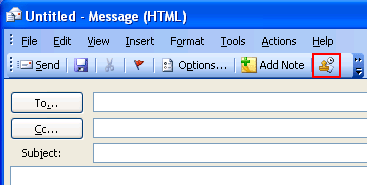
1. Open an email or any Outlook item containing text field.
2. Place the cursor on the text field where you want the date and time to appear.
3. Click the Insert date and time button on your Microsoft Outlook toolbar.
 The
Outlook Date Stamper button is also available in Microsoft
Outlook 2007.
The
Outlook Date Stamper button is also available in Microsoft
Outlook 2007.
